

Solve Printer Problems with Clear, Step-by-Step Guides.
Fix printer offline status, driver unavailable errors, stuck print queues, paper jams, and wireless Wi-Fi connection issues with simple, jargon-free visual instructions.
Independent printer education, engineered for clarity.
Know Sphere creates structured, easy-reading guides about everyday printer setup, driver installation, queue recovery, and hardware maintenance — without support claims or third-party bloat.
No sales funnels, no hidden downloads, no support charges.
Every article on Know Sphere is published strictly for personal self-troubleshooting and digital literacy. We break down confusing printer notifications into straightforward cause-and-effect explanations so users can maintain control of their equipment.
Concept-First Logic
We demystify what printer error alerts, amber LEDs, and Windows spooler flags actually indicate in everyday language.
Open Educational Access
All troubleshooting manuals are openly readable without account sign-ups, subscriptions, or paywalls.
Zero Remote Software
We never offer executable files, remote control tools (TeamViewer/AnyDesk), or third-party automated fixers.
Standard OS Compliance
Troubleshooting steps stick strictly to native Windows, macOS, and Linux print system controls.

Operating Constraints
Know Sphere is an independent, non-affiliated technical publication and reference blog. All product names, logos, and brands (such as HP, Canon, Brother, Epson, Microsoft) are property of their respective owners and are referenced purely for informational and identification purposes.
Comprehensive guides for every printer issue.
Master the mechanics of printer communication, offline status flags, driver translations, paper feed paths, and Wi-Fi pairing through step-by-step educational documentation.
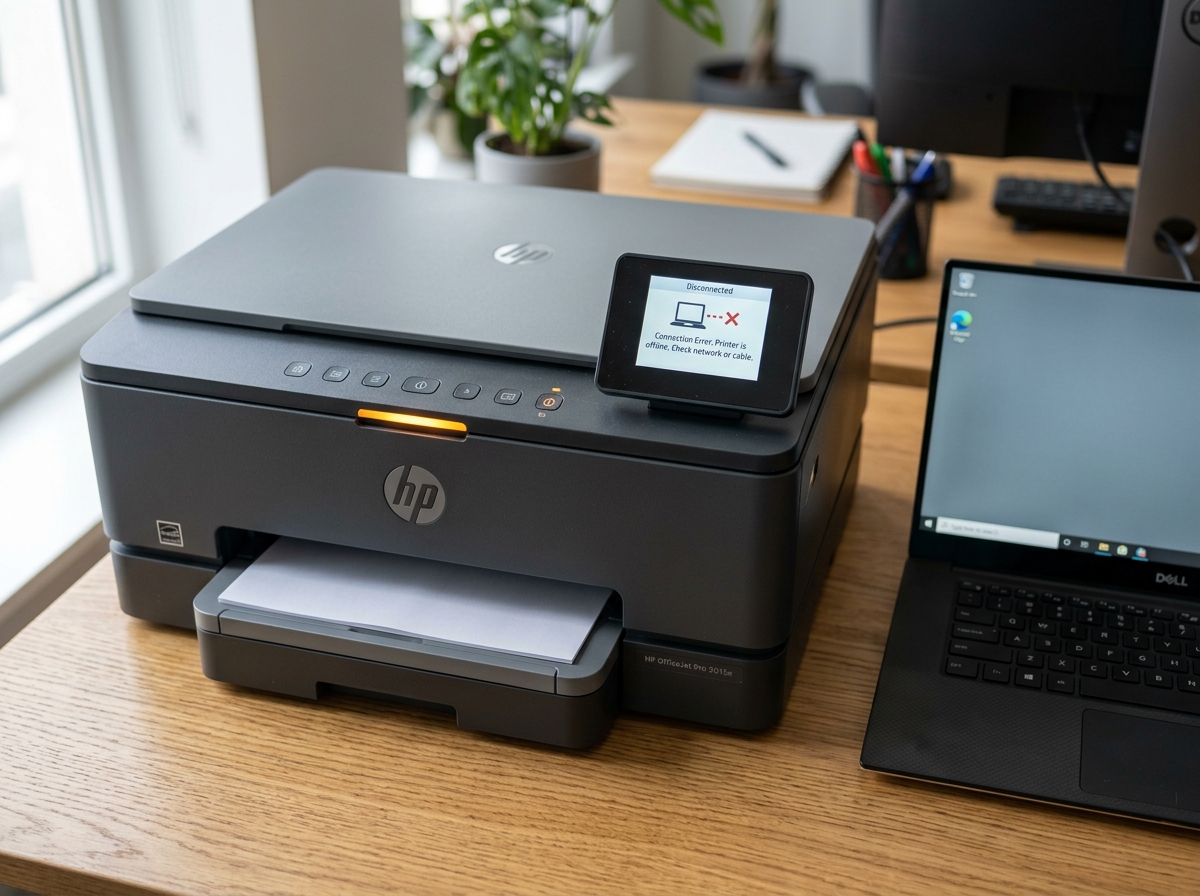
Fixing Printer Offline Errors
Diagnose why your printer displays "Offline" or "Not Responding". Practical solutions for Windows spooler, Wi-Fi drops, IP mismatches, and paused queues.
Driver Installation & Missing Software
Step-by-step instructions to manually install, update, and configure printer drivers in Windows, resolving "Driver Unavailable" alerts.
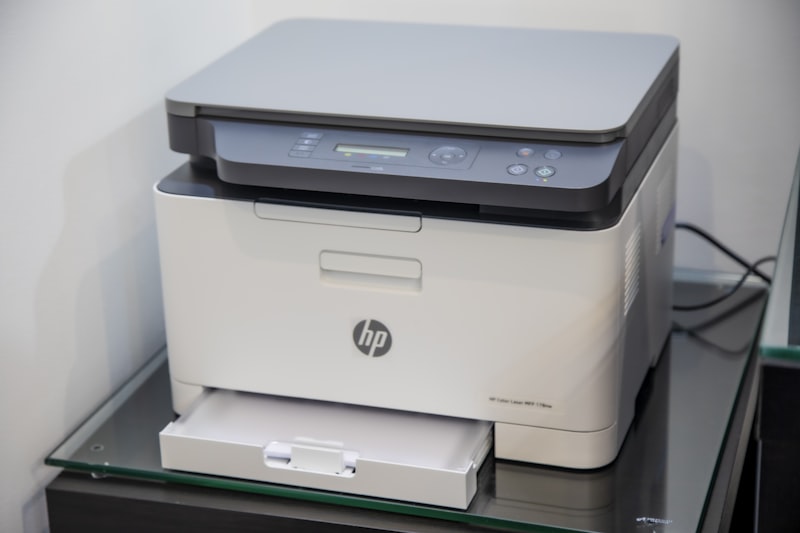
Wireless & Wi-Fi Printer Setup
Connect wireless printers without errors. Troubleshoot 2.4GHz vs 5GHz router isolation, WPS push-button pairing, and static IP setup.
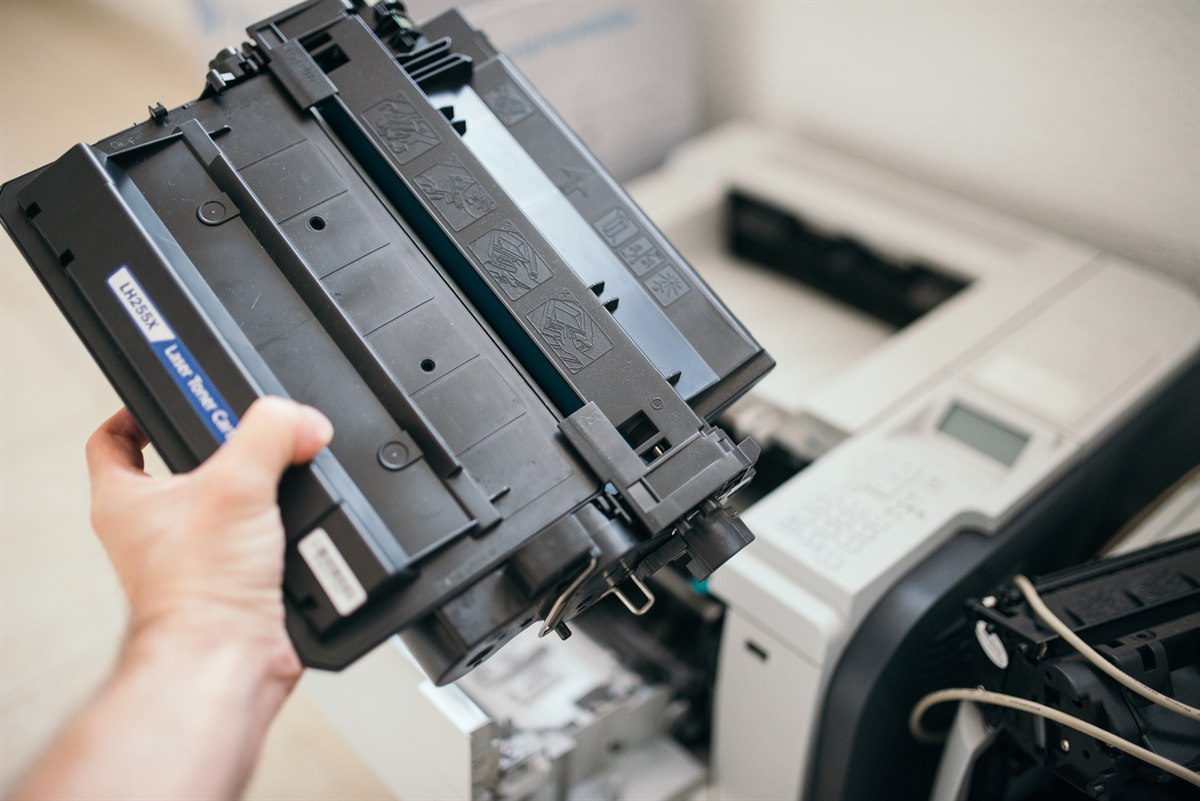
Paper Jams & Roller Maintenance
Learn the safe direction to extract jammed sheets without tearing, how to clean dusty pickup rollers, and how to stop false jam sensor alerts.
How printers actually talk to your computer.
Every print command traverses four sequential abstraction layers. Understanding this flow eliminates 95% of printer troubleshooting frustration.
Physical & Network Handshake
Operating systems establish continuous two-way polling via USB bulk endpoints or Wi-Fi SNMP packets. When keep-alive packets drop, Windows marks the unit Offline immediately.
Driver Engine & Rasterization
Printers do not understand raw PDFs or DOCX files. The driver translates vector commands into raster dot-matrix data via PCL, PostScript, or proprietary ESC/P protocols.
Windows Print Spooler Memory
Spoolsv.exe caches print jobs in System32\spool\PRINTERS as temporary .SHD and .SPL files to decouple computer CPU processing from mechanical printhead speeds.
Feed Rollers & Thermal Fuser
Rubber pickup rollers pull individual sheets across optical path sensors. Laser units fuse dry toner powder via 180°C ceramic heat elements under high roller pressure.
Stuck in the buffer? Restart the subsystem.
When Windows locks up during transmission, document binaries remain stuck inside the spooler queue. Executing administrative restart commands frees the hardware buffer without reinstalling drivers.
net stop spooler
del /Q %systemroot%\System32\Spool\Printers\*
net start spooler
Everyday printer confusion, mapped to real causes.
Explore concise diagnostic notes for printer offline states, driver unavailability, frozen spoolers, blank sheets, Wi-Fi drops, and paper feed jams.
Troubleshoot logically before taking hardware apart.
Over 80% of printer malfunctions stem from software queue stalls, paused driver flags, or router band segregation — not broken hardware.
Printer Shows Offline
Powered on but reporting "Offline". Typically caused by paused queues, Windows SNMP status checks, or dynamic IP mismatches.
Driver Is Unavailable
Hardware is detected over USB or LAN, but the OS lacks the INF translation layer to convert documents into raster dots.
Print Queue Stuck at 0%
Corrupt spool files lock the Windows spoolsv.exe service buffer in System32\spool\PRINTERS, preventing new jobs from printing.
Blank Pages or Streaks
Mechanical feed is smooth but pages exit blank. Root causes include clogged printhead nozzles, unremoved cartridge pull-tabs, or dry ink.
Wi-Fi Printer Not Found
Discovery fails across laptops. Root cause is often dual-band router isolation between 2.4GHz (printer) and 5.0GHz (computer) subnets.
Paper Jam & Roller Errors
Sheets crumple in feed rollers or sensor flags stick down. Requires forward-direction extraction and pickup roller rubber cleaning.
Common printer questions, simple explanations.
Learn verified answers about printer offline states, missing drivers, frozen print queues, paper jams, and wireless Wi-Fi pairing.
Need more technical guides?
Send an educational inquiry or suggest topics for our independent printer troubleshooting reference library.
info@knowsphere.co →